
Start here
Three guides cover ninety percent of what you need.
01
Install
Install Conductor
Download, install, and run your first conversation. Five minutes.
Read guide→
02
Memory
Teach Conductor your work
How to set up your customers, routines, and the way you write.
Read guide→
03
Models
How Conductor uses AI
How Conductor picks a model for each task, and what that means for your credits.
Read guide→
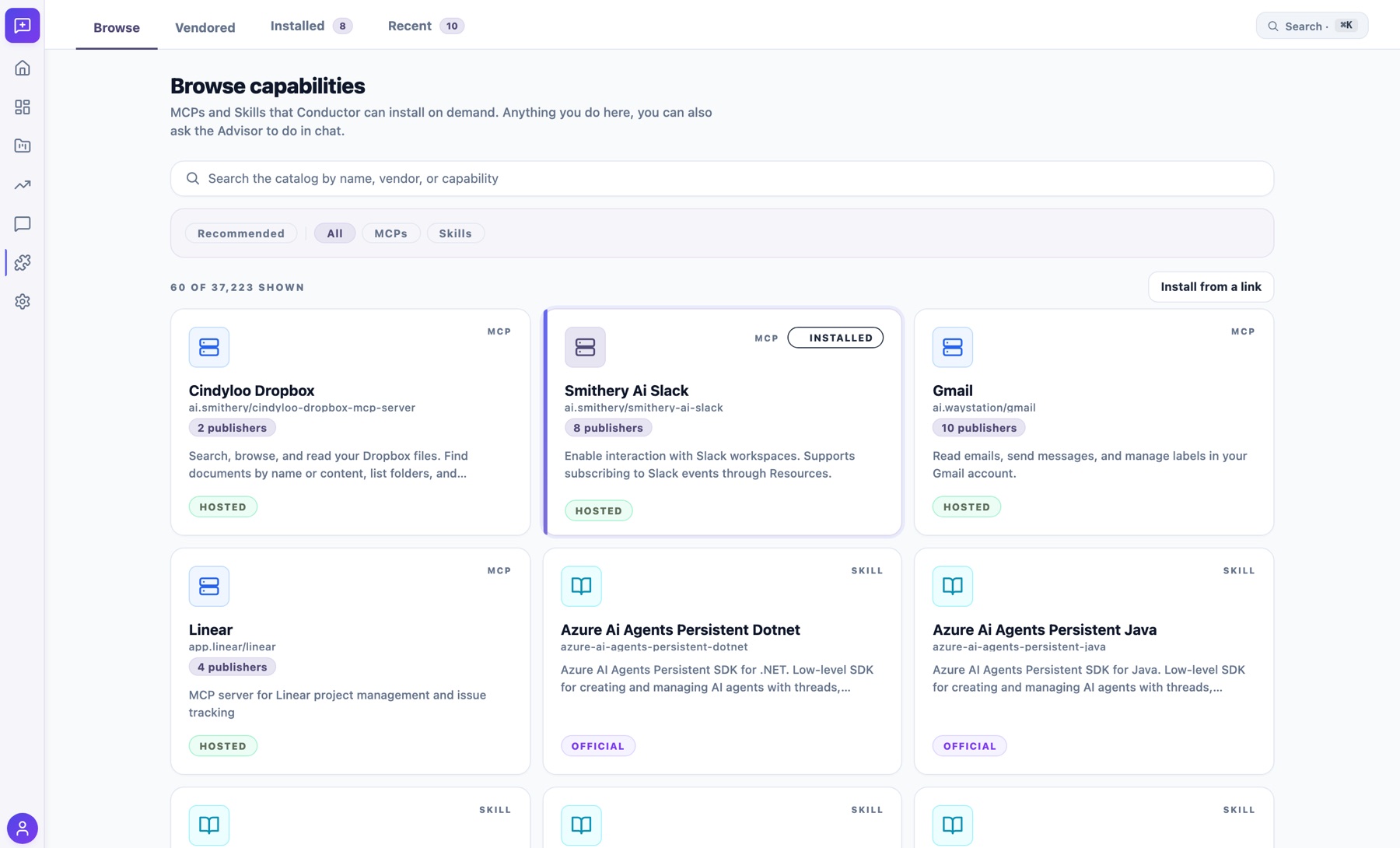
Capabilities
Add tools and skills on demand.
Browse the catalog of MCP servers and skills Conductor can install, or just ask in chat and let it find or build what you need.
Getting started
Everyday use
Connections
Account & billing
Still stuck?
Three ways a person will answer.
Community
A community space is on the way.
We're still early. For now, send your questions, ideas, and feedback to the team directly.
Coming soonEmail support
A real person reads every email.
Reply times under one business day. Honest answers, no scripts.
support@sinjun.ai →Status
All systems operational
Live availability for sync, billing, and the marketing site.
View status page →